
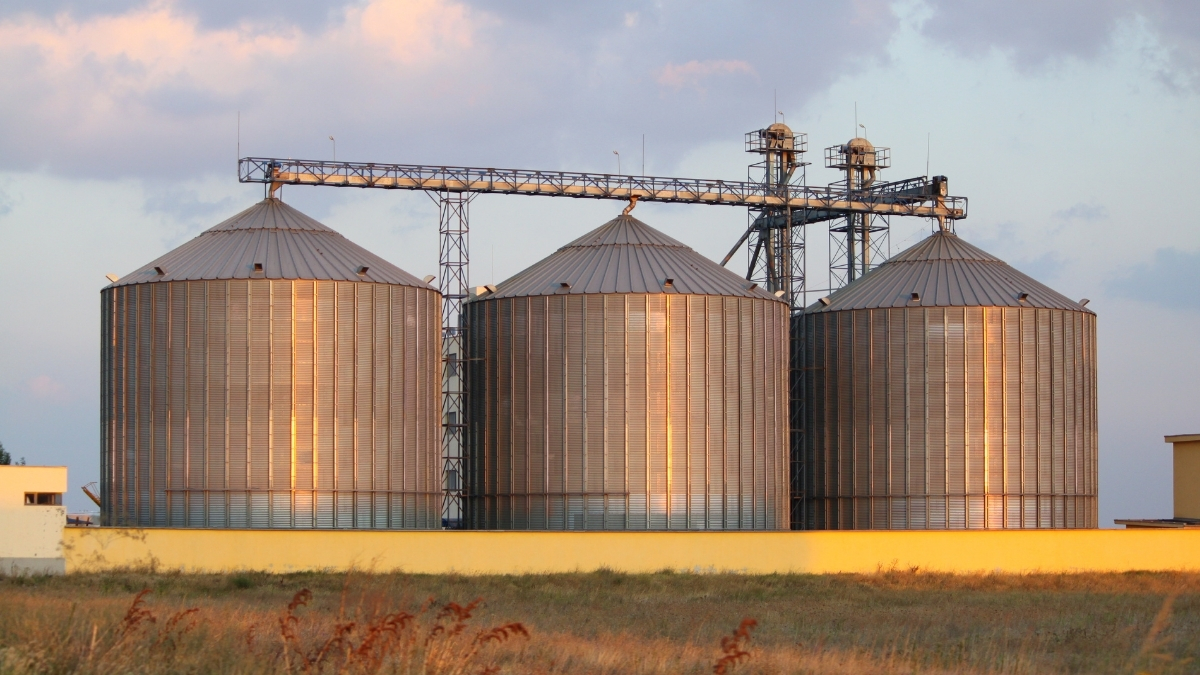
A Production Bin is a Bin in which seed is stored as dirty units before cleaning.
A Production Bin can be used to store seed for any vendor and any breeder number. Seed is placed into a bin on a Production Field record and removed from a bin on a bagging request.
Production Bin
From the Main Menu, select “Production Bin.” To create a new bin, open the Hamburger Menu and select “New.” Work through the following buttons and fill in information where it’s needed:
- Active – Controls visualization in the Bins value list.
- Bin ID – The unique control name.
- Grower Name (Optional) – If applicable, you can link a bin with a specific Grower. Use the magnifying glass to select from an active grower list.
- Note: The vendor detail must have the “grower” checkbox selected.
- Conditioner (Optional) – If applicable, you can link a bin with a specific Conditioner. Use the magnifying glass to select from an active conditioner list.
- Note: The vendor detail must have a type of “conditioner” selected.
- Address 1, City, State, Zip – Text fields to type into. Used to label the location of the bin.
- Description – Text field to enter extended description for the bin.
- Breeder Number – Calculation displaying when the year is assigned based on assigned bins on Production fields for the matching Global year.
- Estimated Bushels – Calculation displaying when the year is assigned based on assigned bins on Production fields for the matching Global year.
- Actual Bushels – Calculation displaying when the year is assigned based on assigned bins on Production fields for the matching Global year.
Production Bin Report
Go to Menu → Reports → Bulk → Bins Report.
This report can be filtered for year, vendor, breeder number, etc. You can view all Bin records entered with the matching criteria. This report will show you which Production Field it was recorded on, which grower that production field is assigned to, if the bin has been cleaned on a specific bagging request, the estimated Seed Size, cleanout, and Moisture associated with that bin. You can view applicable sample data entered on the field. It will display the Estimated Dirty Bushels (or pounds) in the bin and the Estimated Dirty bushels assigned to a bagging request, and therefore the Quantity still available. The bushels delivered are calculated based on scale tickets associated with the bagging request.
Unit conversion calculations may also display and are calculated based on the estimated seed size, cleanout, and Moisture content.
This report can be sorted using the Underlined Column Header sorts on all platforms or using the sort options in the filter.
A Few Things to Know
- Default Estimated Seed Size and Cleanout can be set up under Menu → System Settings → Bagging Settings, under the Bulk Fields Settings header.
- When working with crops by the pound (versus bushels or units), enter the estimated Cleanout percentage and an Estimated Seed size of 1.
- All weight calculations are done based on how the Product Class is set in System Settings under the Bagging Settings Table.
- To enter a new row, scroll to the bottom of the portal.
- Select the Class name from the drop-down menu or type it in if it is a new class. All classes must be entered in the exact same format as the product list.
- Enter the Weight per bushel for that class.
- Select if the unit weight will be based on the Seed Size entered (Seed Size) or on the Weight of the package in the product list (Package).
- If Seed Size is selected, enter the Seeds per Unit calculation reference point.
- Units per acre are not needed for Production but this can be entered here for calculations on other reports. It is the number of full units that cover 1 acre.